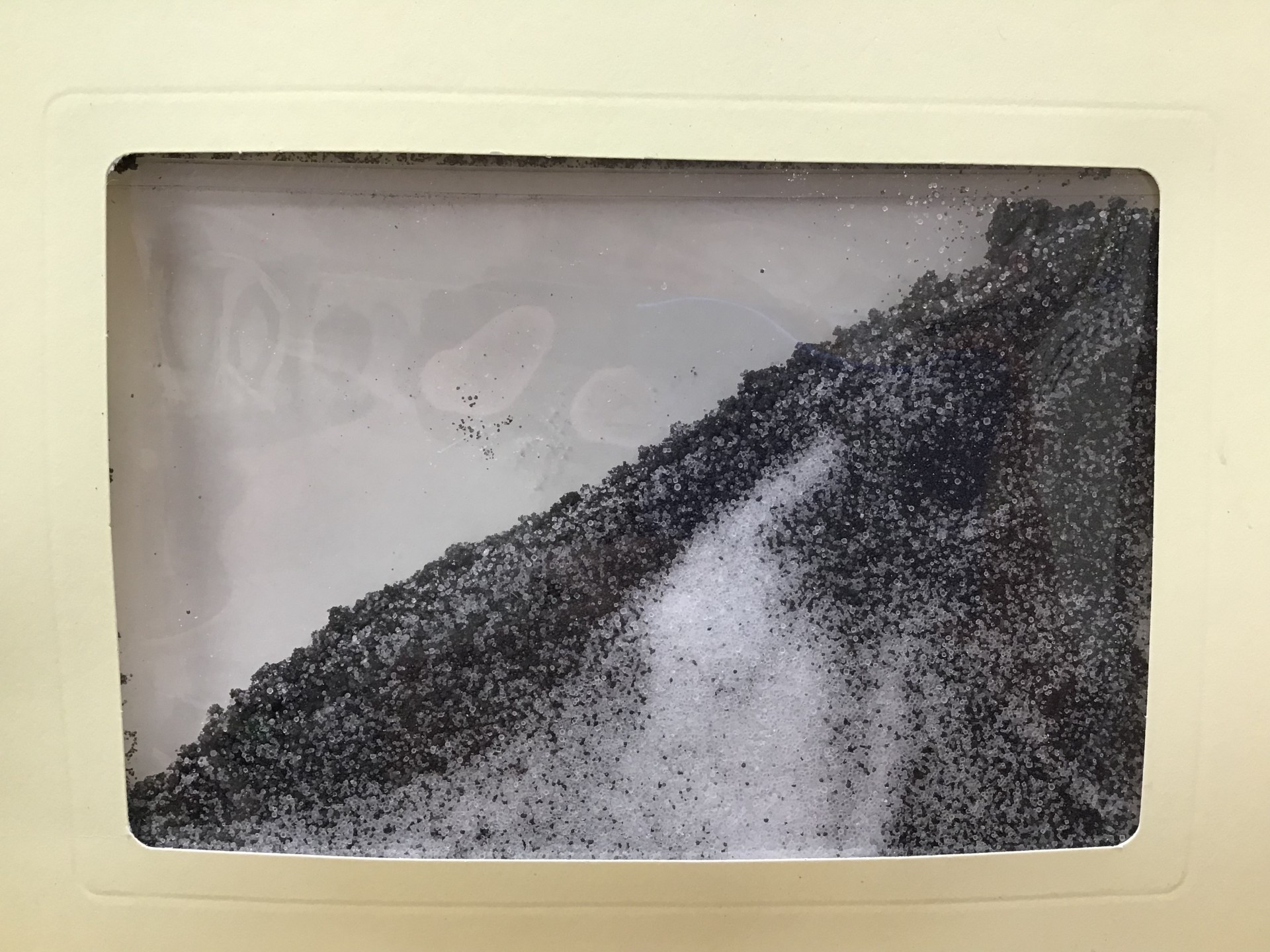
Description: Create an ever-changing picture.
Supplies:
Paper Picture Frame
Plastic Sleeve
Sand
Salt
Glue Dots
Tape (not provided)
Directions:
- Open the plastic sleeve and pour in half of the sand. Then, add the salt, followed by the remaining sand.
- Seal the sleeve closed.
- Remove the plastic backing from the glue dot strip, leaving the glue dots in place.
- Align the plastic sleeve within the picture frame and secure it to the frame using the glove dots.
- If desired, use tape to secure the other side of the sleeve to the frame.
- Move your picture frame around and watch the image change.
 LIBRIONYIAN